

Blog
Stop Inkjet Transfer Paper Cracking After Washing

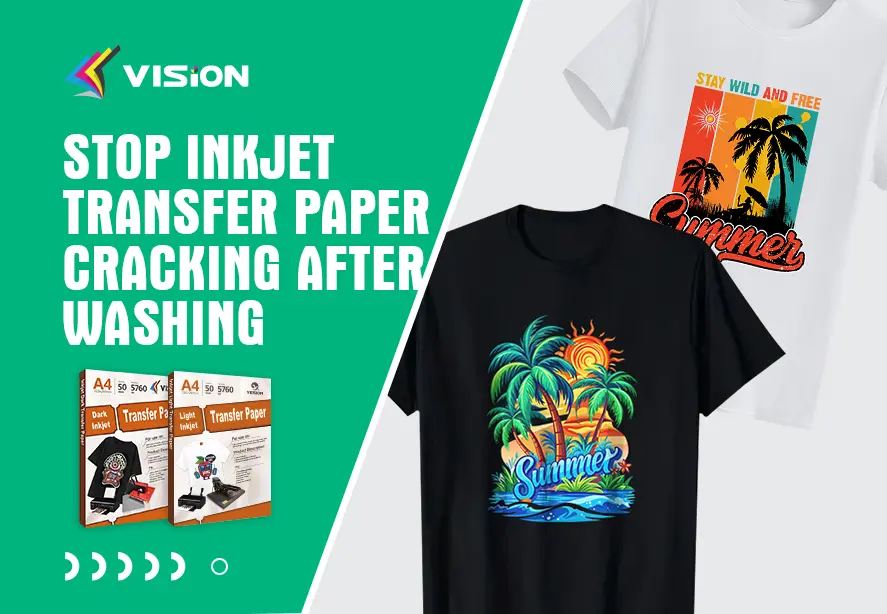
Inkjet transfer printing offers endless creative possibilities, but cracking after washing can quickly ruin a beautifully crafted design. As a professional provider of printing solutions, we help creators, businesses, and hobbyists achieve flawless, long-lasting transfers. In this comprehensive guide, we reveal the real reasons inkjet transfer paper cracks and show you how to prevent it permanently.
Understanding Why Inkjet Transfer Paper Cracking After Washing
Before improving wash durability, it’s essential to understand the root causes behind cracking. When the transfer film becomes brittle, separates from the fabric, or loses flexibility, washing exposes these weaknesses. The main reasons include:
- Incorrect application temperature or pressure
- Low-quality or incompatible transfer paper
- Improper peeling technique (hot vs. cold peel)
- Poor fabric selection
- Excess ink saturation
- Insufficient curing time
- Incorrect washing or drying methods
Each of these factors affects the bond between the transfer layer and the fabric. Improving durability means optimizing every step—from printing to washing.
Choosing the Right Inkjet Transfer Paper for Durable Washes
Not all papers are created equal. For long-lasting, flexible results, selecting the right paper is crucial.
1. Light vs. Dark Transfer Paper
- Light Fabric Transfer Paper
Best for white or pastel fabrics; contains a thin polymer coating that blends with the fabric. - Dark Fabric Transfer Paper
Designed for black and dark garments; includes an opaque film layer that must maintain flexibility during washing.
Always choose high-quality transfer papers with elastic polymer coatings and strong adhesive layers to prevent cracking after washing.
2. Match Paper to Ink Type
Inkjet papers are formulated for:
- Dye ink (vivid color but lower water resistance)
- Pigment ink (excellent wash durability)
For best anti-crack performance, pigment ink is highly recommended.
3. Check Compatibility with Your Heat Press
Professional-grade results require:
- Even heat distribution
- Adjustable pressure
- Stable temperature range
Cheap or unstable heat presses make transfers brittle and prone to cracking.
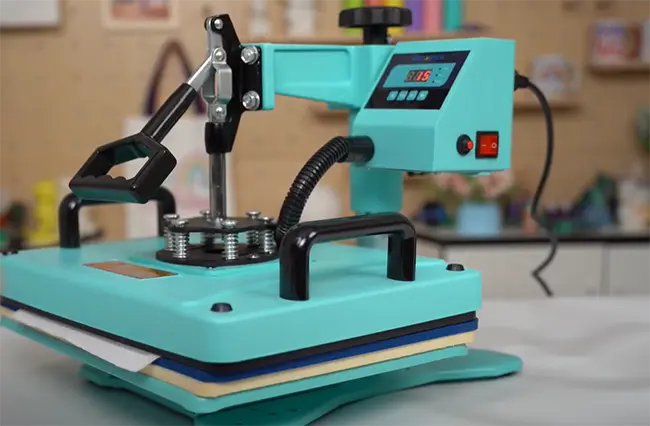
heat pressing
Optimizing Your Heat Press Settings to Prevent Cracking
Incorrect pressing is the #1 reason transfers crack after washing. To ensure maximum durability, follow these optimized guidelines.
1. Temperature Settings for Vision’s heat transfer paper
- Light transfer paper: 180–190°C (356–374°F)
- Dark transfer paper: 160–180°C (352–388°F)
Too low = weak adhesion
Too high = brittle coating
Use an infrared thermometer to verify your press’s accuracy.
2. Correct Pressure
Transfers require medium to firm pressure to bond evenly.
Uneven pressure causes areas of weakness that crack after the first wash.
3. Time Requirements
Follow the manufacturer’s exact pressing time.
Too short = peeling & cracking
Too long = burnt, rigid transfer
4. Pre-press the Fabric
A quick 3–5 second pre-press removes moisture and wrinkles, ensuring smooth application and preventing premature cracking.
Mastering the Peeling Technique for Crack-Free Prints
The peeling method significantly affects durability.
For Light Papers:
Most require hot or warm peel, giving a softer finish.
Peel in one smooth motion to avoid stress lines.
For Dark Papers:
Usually a cold peel is required.
Allow the print to cool fully before removing the backing.
Incorrect peeling can lift edges, weaken adhesion, and create micro-cracks before the shirt is even worn.
Controlling Ink Saturation for Flexible Transfer Designs
Ink overload makes the film thick, stiff, and prone to cracking. To achieve smooth and flexible prints:
- Print using high-quality mode, not highest saturation
- Use ICC profiles tailored to your paper
- Avoid designs with heavy color blocks unless using premium dark transfer materials
A well-calibrated print ensures the transfer coating stays elastic.
Choosing the Right Fabric for Non-Cracking Transfers
Inkjet transfer paper adheres best to:
- 100% cotton
- Cotton blends up to 30% polyester
- Canvas
Avoid:
- Stretchy fabrics
- Rough textures
- High poly athletic garments
The better the fabric surface, the smoother and more durable the transfer will be.
Essential Washing and Drying Tips to Extend Transfer Lifespan
Even a perfectly applied transfer can crack if washed incorrectly.
Washing Instructions
- Turn the garment inside out
- Use cold or warm water
- Choose gentle cycle
- Avoid bleach or aggressive detergents
Drying Instructions
- Best option: Hang dry
- If using a dryer, select low heat
- Avoid over-drying, which stresses the transfer
Proper washing habits can extend garment life by up to 3x.
Advanced Techniques to Prevent Cracking on Dark Fabrics
Dark garments are more prone to cracking due to their thicker film layers. Use these advanced enhancements:
Use a Teflon Sheet
Re-pressing with a teflon sheet for 5–8 seconds:
- Increases flexibility
- Reduces surface gloss
- Improves long-term wash resistance
Apply a Second Press
A second light press helps the film merge into the fabric, reducing cracking by improving elasticity.
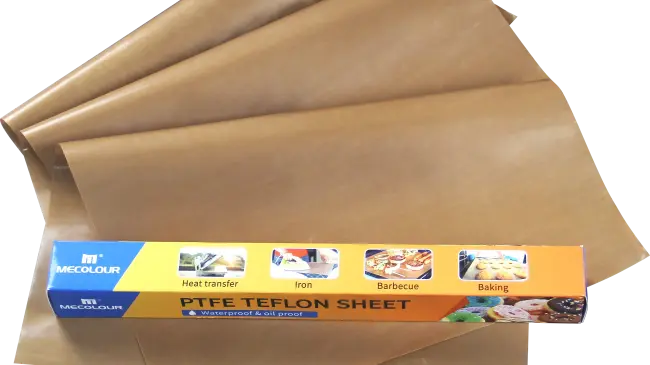
teflon
Optimize Your Design
- Avoid extremely large solid blocks
- Incorporate negative space
- Use broken patterns for natural movement
Smaller print segments flex with the fabric rather than breaking.
Troubleshooting Cracking, Peeling, and Fading Problems
If cracking has already occurred, use this guide to diagnose the cause:
Cracking After First Wash
- Too much pressure
- Paper not compatible with ink type
- Overheating or underheating during pressing
Peeling Edges
- Insufficient pressure
- Cold peel accidentally done warm
- Poor fabric pre-treatment
Stiff and Brittle Finish
- Excess ink
- Press temperature too high
- Low-quality dark transfer paper
Accurate diagnosis allows immediate improvements on the next print.
Recommended Workflow for Perfect, Crack-Free Transfers
Follow this proven workflow for professional-grade durability:
- Choose premium transfer paper matched to your fabric color
- Use pigment ink for superior wash endurance
- Print with moderated ink saturation
- Pre-press fabric to remove moisture
- Apply proper temperature, time, and pressure
- Use correct peeling technique
- Cure the garment for 24 hours before washing
- Educate your customers on proper garment care
This workflow dramatically reduces cracking after washing, peeling, fading, and stiffness.
Final Thoughts: Mastering Wash Durability for Inkjet Transfers
Inkjet transfer printing can deliver soft, vivid, and long-lasting results—as long as every step is performed correctly. By choosing the right materials, controlling your heat press settings, optimizing ink use, and educating users about proper washing methods, you can consistently produce transfers that remain smooth wash after wash.
For businesses, improving wash durability boosts customer satisfaction, reduces returns, and enhances product value. For DIY creators, it ensures every project looks professionally printed and built to last.
Related:
How to Prevent Peeling and Cracking with Heat Transfer Vinyl?
Why does my iron-on vinyl peeling off after washing?
Best Inkjet Heat Transfer Paper for T-Shirts
The 4 Types of Inkjet Transfer Paper for Heat Press
Printing Perfection: Tips for Using Inkjet Transfer Paper on T-Shirts